Workspace
Learn
Latest updates

Practice Studio v3.0 — redesigned Player, gradual tempo ramp, and instant URL pasting.

·
For musicians, learners, listeners

Free YouTube looper for music practice

Make any phraseyour second nature.

Loop the section. Slow the speed. Set the count. Practice the bar that won't stick — eight times, then sixteen, then forever — until your hands learn it before your head does.

✓ no signup required·save with an account·millisecond precision·press ? for shortcuts

Try a preset loop

06 sessions
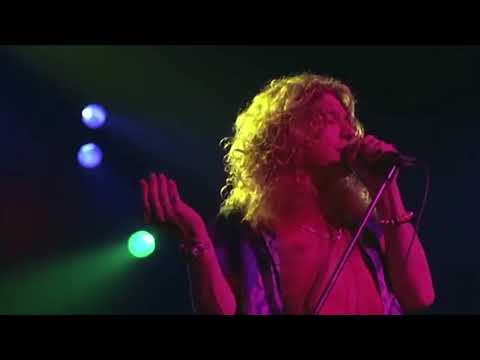
Led Zeppelin — Stairway to Heaven (Live) — click to loop
Guitar · solo

Led Zeppelin — Stairway to Heaven (Live)

3 clips
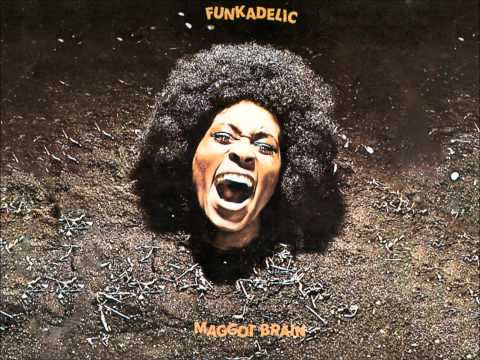
Funkadelic — Maggot Brain — click to loop
Guitar · phrase

Funkadelic — Maggot Brain

3 clips
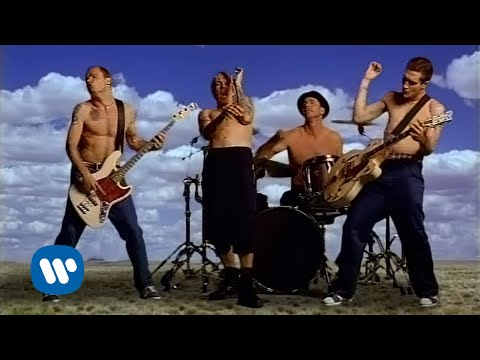
Red Hot Chili Peppers — Californication — click to loop
Bass · groove

Red Hot Chili Peppers — Californication

3 clips
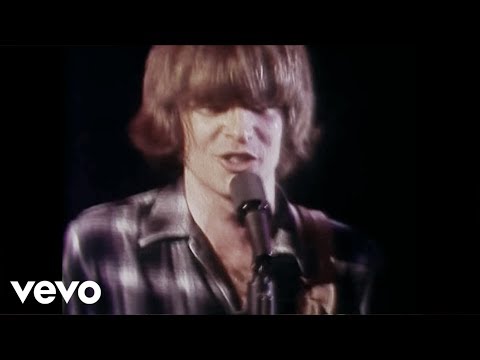
CCR — I Heard It Through The Grapevine — click to loop
Vocals · phrase

CCR — I Heard It Through The Grapevine

3 clips
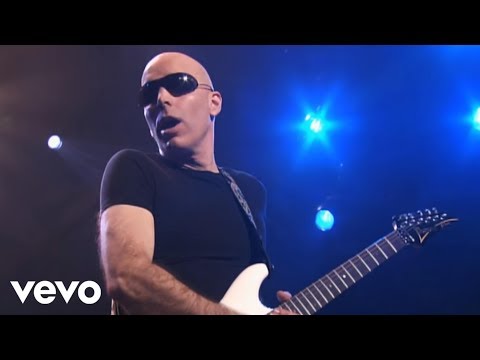
Joe Satriani — Flying In a Blue Dream (LIVE!) — click to loop
Guitar · live

Joe Satriani — Flying In a Blue Dream (LIVE!)

3 clips
Foo Fighters — The Pretender — click to loop
Drums · intro

Foo Fighters — The Pretender

3 clips

Why a looping instrument is different from a YouTube tab.

YouTube was built to keep you watching. Practice is the opposite — you want to stay on the same eight bars until they're yours. LoopingTube is the surface in between.

Millisecond loop points
Drag the handles, nudge with arrow keys, or type the timecode.
01
Save to your account
Sign in to sync clips, setlists, and videos across every device — not locked to one browser like other loopers.
02
Rich practice tools
5% speed steps from 0.25× to 2×, a gradual tempo ramp that auto-builds up to performance pace, loop limits, countdowns, and pauses between repeats.
03
Record yourself
A take per loop. Listen back. See your runs improve over the session.
04
Shareable clip sessions
Every clip is encoded in the URL — paste it to a bandmate, a teacher, or yourself on another device, and they land on the same loops.
05
About

What is a YouTube looper?

A YouTube looper — sometimes searched as 'loop tube' or 'looper tube' — is a tool that lets you repeat a specific section of any YouTube video seamlessly, without manual rewinding. Also known as a YouTube repeat tool, it automates the process of replaying video segments on a continuous loop. LoopingTube is a free YouTube looper and repeat tool designed for musicians, language learners, and students who need to hear the same passage multiple times.

Unlike YouTube's built-in loop feature that repeats the entire video, LoopingTube lets you select precise start and end points — down to the second — so you only repeat the section you need. Features include adjustable playback speed from 0.25× to 2×, customizable pause between loops, countdown timers before each repeat, and the ability to save multiple clips per video.

Whether you are learning a guitar solo, practicing pronunciation, or studying a lecture, LoopingTube eliminates the frustration of constantly scrubbing back to the right timestamp.

FAQ

Frequently asked questions

01How do I loop a specific part of a YouTube video?
Paste the YouTube video URL, drag the slider handles to your start and end points, then press Loop. The selected section will repeat seamlessly until you stop it.
02Is a 'loop tube' or 'looper tube' the same as a YouTube looper?
Yes — 'loop tube' and 'looper tube' are casual shorthand for a YouTube looper: a tool that repeats a chosen section of a YouTube video. LoopingTube is one such tool, built for repeated practice sessions with multi-clip setlists, adjustable speed from 0.25× to 2×, audio recording, and optional cloud sync. (Note: 'LoopTube' as a single word refers separately to two unrelated competitor sites — looptube.io and looptube.xyz — see our LoopTube alternatives comparison at /alternatives/looptube for the differences.)
03Can I use LoopingTube for music practice?
Yes — it's built for it. Slow playback to 0.25×, add a pause between repeats, set a fixed number of loops, or use the countdown timer to prepare before each pass.
04How do I slow down a YouTube video for practice?
Use the speed control from 0.25× (quarter speed) to 2× (double speed). Pitch is preserved. Ideal for learning fast solos or catching every word in fast speech.
05Can I save my video loops?
Yes — multiple clips per video. Without an account, clips are saved locally in your browser. Sign in to sync them across devices.
06Is LoopingTube free to use?
Completely free. No subscription, no ads, no hidden costs.
07What is the best YouTube looper?
LoopingTube. Precise loop points, adjustable speed (0.25×–2×), countdown timers, pause between loops, loop limits, audio recording, and saved clips per video — no signup required.
08How do I repeat a section of a YouTube video?
Paste the video URL, set start and end points, and press Loop. Adjust the number of repetitions, add pauses between repeats, and control playback speed for focused practice.
09Can I use LoopingTube for language learning?
Absolutely. Loop a phrase to practice pronunciation, slow it to catch every word, and use the pause between loops to repeat what you hear back to yourself.
Spread the word

Sharing helps the project grow.

No team behind this — just one developer. Every share lets us add new features.

Or leave a review

Review us on Trustpilot
Comparing tools?

See how LoopingTube stacks up against other YouTube loopers.